
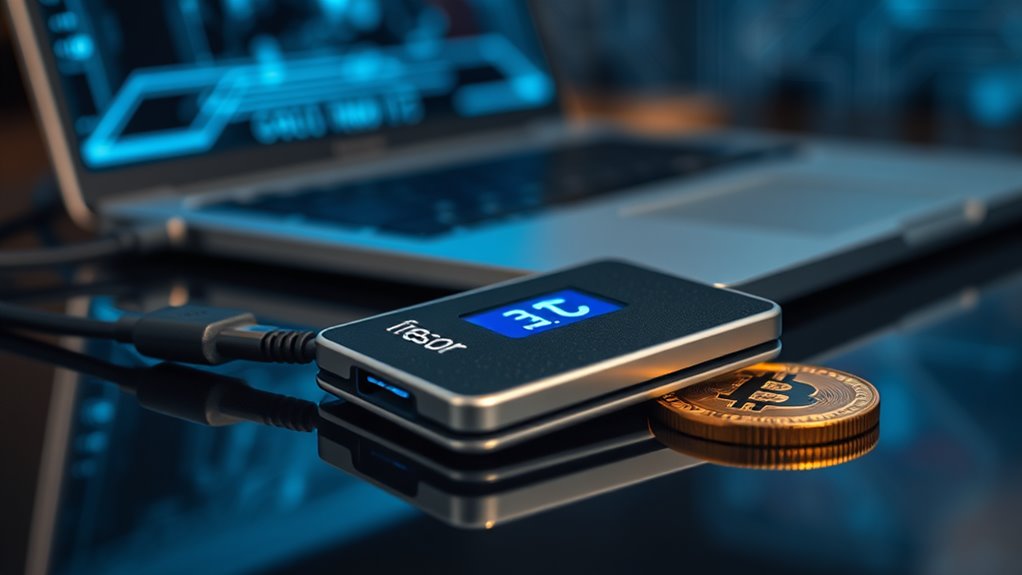
Trezor in Crypto: Secure Cryptocurrency Storage
Trezor is the go-to for secure cryptocurrency storage. With offline cold storage, your keys stay safe from prying eyes. It’s got a nifty cryptographic chip and PIN protection—no unauthorized access here! Supporting over 2,000 cryptocurrencies means it’s not picky. The touchscreen interface? A breeze, even for tech-challenged folks. Plus, Shamir Backup keeps recovery easy without exposing your precious assets to the internet. Stick around, there’s more intriguing info waiting about this digital vault.
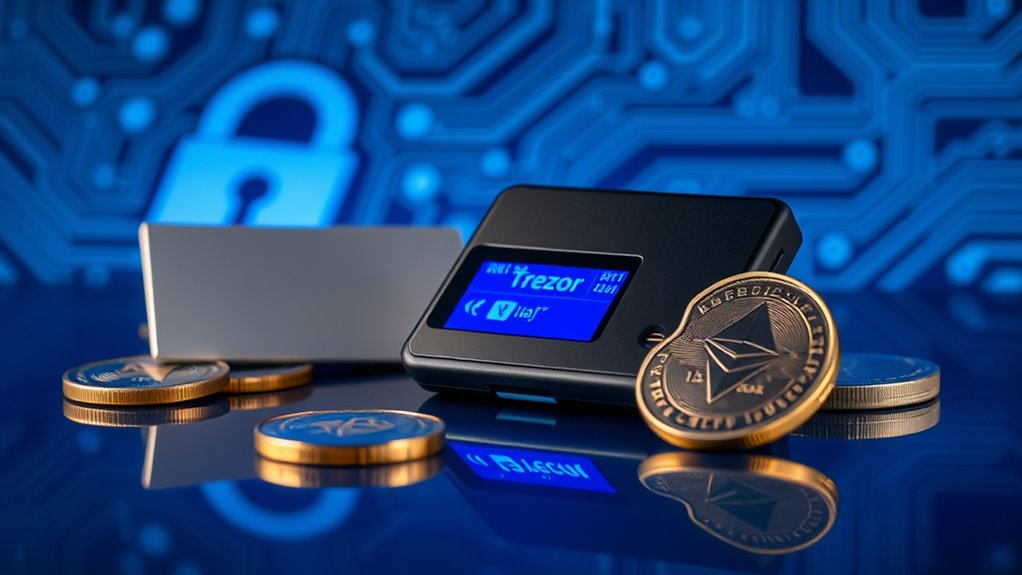
In the wild world of cryptocurrency, Trezor stands out like a lighthouse in a stormy sea. It offers a beacon of security with its offline cold storage for private keys. This feature is essential because, let’s face it, keeping assets away from online threats is a no-brainer. Trezor’s cryptographic chip generates and securely stores those private keys, making hacking attempts about as effective as trying to break into Fort Knox with a toothpick. Additionally, Trezor supports over 2,000 cryptocurrencies, allowing users to manage a diverse array of digital assets.
The Trezor Model T boasts a touchscreen interface that’s user-friendly. No need to be a tech wizard here. Managing over 1,000 cryptocurrencies, including Bitcoin and Ethereum, is as simple as a few taps. And the open-source software? It’s a delightful nod to transparency. The community can audit it, which is more than can be said for many other wallets.
The Trezor Model T makes managing cryptocurrencies a breeze—no tech skills required, just a few taps!
Security? It’s got layers. PIN protection keeps unauthorized users at bay. Tamper-proof packaging guarantees that the device hasn’t been messed with during delivery. Hidden wallets help mask transaction history, because who wants their financial business splashed all over the place? Trezor even offers Shamir Backup, splitting recovery seeds into multiple shares—because sharing is caring, right? Additionally, a cold storage feature ensures that private keys are never exposed to the internet, enhancing the overall security of your assets. Unlike Ledger’s approach, Trezor doesn’t utilize a Secure Element chip for its security architecture.
Setting it up isn’t rocket science. Plug it in, install some firmware, and create a PIN. The Trezor Suite dashboard makes managing crypto straightforward. Adjusting transaction fees based on network congestion is a nice touch, too. And for those worried about privacy, unique addresses for each transaction are generated—so no more creeping on your wallet’s activity.
Now, the Trezor Model T comes at a price of $219, while the more basic Model One is $69. Sure, it’s pricier than some competitors, but you get what you pay for—robust features and peace of mind. In the chaotic world of cryptocurrency, Trezor is a secure harbor.
Frequently Asked Questions
Can I Use Trezor With Any Cryptocurrency?
Not all cryptocurrencies are created equal, and Trezor sure knows it.
You can’t just waltz in with any coin. Bitcoin? Sure. Ethereum? Yep. But if you’re clutching XRP or Solana, better check your model.
Trezor Model One has a memory problem—no XRP or Cardano for you. Stick to what’s supported, or you’ll be left hanging.
It’s like trying to fit a square peg in a round hole. Keep it simple, folks.
How Do I Recover My Trezor Wallet?
Recovering a Trezor wallet? It’s a bit of a process.
First, dig up that seed phrase—12 to 24 words. Enter them on the device, in order. Yes, it matters. If you mess up, good luck. You’ll need a new PIN, too. Did you forget? Game over.
After that, check your balances; they should match what you had.
Oh, and don’t forget about firmware updates. Seriously, just do it.
Is Trezor Compatible With Mobile Devices?
Trezor and mobile devices? It’s a mixed bag.
Android users can connect directly, but only through Chrome. Lucky them!
iOS? Not so much. They can peek at their balance, but that’s about it. No sending funds, folks. Just a light touch of functionality with Trezor Suite Lite.
Third-party apps might help, but good luck with that. Security’s decent, but you still need a desktop for the real action.
What Happens if I Lose My Trezor Device?
If someone loses their Trezor device, it’s not the end of the world—if they’ve got that precious seed phrase.
They can still access their funds using a new Trezor or any compatible wallet.
But forget the seed phrase? Oops! That’s a one-way ticket to financial regret.
The recovery process is straightforward, just enter those magical words.
But seriously, losing that device? Not the best day ever.
How Often Should I Update My Trezor Firmware?
Updating firmware isn’t exactly a thrilling task. But here’s the deal: regular checks are essential.
You don’t want your device to become a digital dinosaur. Notifications pop up in Trezor Suite, so pay attention. Check those settings manually if nothing appears.
Sure, it’s recommended, but not mandatory—yet outdated firmware can feel like an unsealed door. So, keep it fresh, or risk a tech mess. Better safe than sorry, right?